Intro: When GitHub Copilot CLI launched with a playful animated mascot flying across the terminal, most users saw a cute throwback to early internet days. But behind that three-second ASCII banner lies a world of engineering complexity, accessibility challenges, and fragmented terminal standards. In this article, we dive into ten key insights that reveal why animating pixels in a CLI is one of the toughest UI problems you can tackle—and how the team turned constraints into craft.
1. The CLI Renaissance Is Real
We’re living through a terminal comeback. With AI-assisted and agentic workflows moving directly into the command line, CLIs are attracting heavy investment. But unlike the web—with its mature design systems, accessibility standards, and rendering models—the terminal ecosystem remains fragmented. Every terminal behaves differently: color codes, layout engines, buffer sizes, and redraw speeds vary wildly. There’s no canvas, no compositor, no consistent animation framework. That’s the messy reality the GitHub Copilot CLI team faced when designing even a simple welcome banner. The surge in CLI adoption made it urgent to solve these challenges, but the underlying infrastructure wasn’t ready.
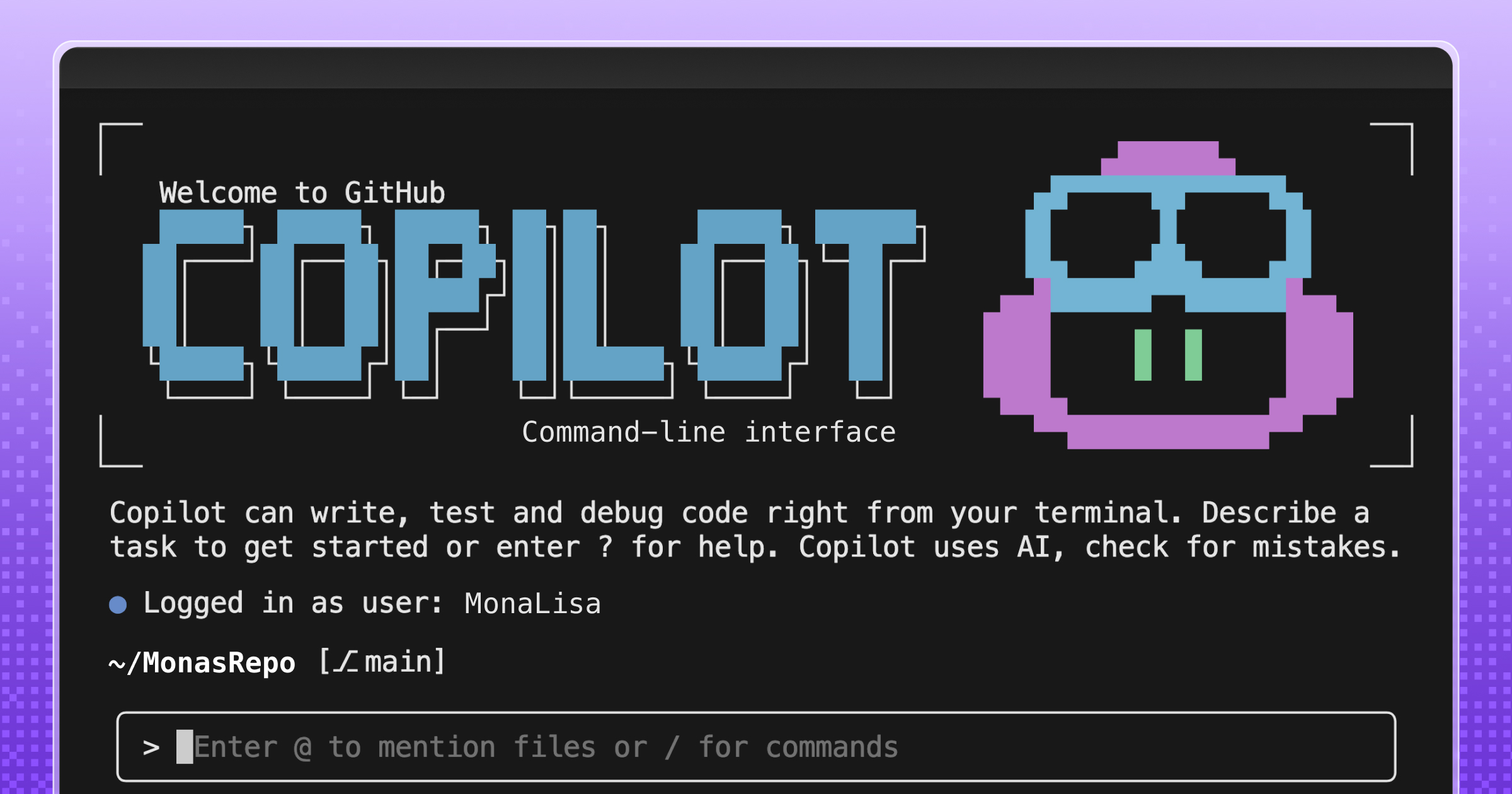
2. Three Seconds of Animation, Thousands of Lines of Code
To animate just three seconds of ASCII art (roughly 20 frames), the team wrote over 6,000 lines of TypeScript. Most of that code doesn’t handle visuals—it handles terminal inconsistencies, accessibility constraints, and maintainable rendering logic. For comparison, a web animation of similar duration might take a hundred lines of JavaScript. The difference? In the terminal, there’s no built-in requestAnimationFrame, no CSS animations, no predictable paint cycle. Every frame must be carefully composed, taking into account variable terminal widths, character cell sizes, and color support. Those 6,000 lines aren't bloat; they’re a testament to the hidden labor behind even the simplest-looking terminal output.
